Introduction
If your Apple iPhone has been getting unusually warm or the battery seems to drain much faster after updating to iOS 26.5.2, you're not the only one experiencing it. Many iPhone users notice these issues after installing a major software update and immediately wonder whether something is wrong with their device.
The good news is that not every heating or battery issue means your iPhone needs a new battery. In many cases, the update temporarily increases background activity while your device reorganizes files, updates apps, and completes system optimization. However, if the problem continues for several days, it could indicate that your battery has already started to wear out or that another hardware component needs attention.
In this guide, we'll explain why your Apple iPhone may overheat after the iOS 26.5.2 update, how to tell whether the software or battery is responsible, practical steps you can take at home, and when it's time to visit a trusted repair professional in Bangalore.
1. Why Your Apple iPhone May Overheat After the iOS 26.5.2 Update
A software update changes more than just the features you see on your screen. Behind the scenes, your iPhone performs several background tasks that temporarily increase processor usage and battery consumption.
During the first couple of days after installing iOS 26.5.2, your iPhone may:
- Re-index photos and videos
- Optimize installed applications
- Sync data with iCloud
- Update system files
- Refresh Spotlight Search
- Complete security checks
These processes require additional power, which can make the device feel warmer than usual and cause faster battery drain.
Apart from software activity, other factors can also contribute to overheating, including:
- High screen brightness
- Poor mobile network coverage
- Continuous GPS usage
- Gaming or heavy video streaming
- Apps that haven't yet been updated for the latest iOS version
- An aging battery with reduced efficiency
For most users, software-related heating improves within two or three days. If the problem continues beyond that, it's worth investigating further.
2. Common Signs Your iPhone Is Affected
Not every warm phone indicates a serious problem. However, if you notice several of the following symptoms together, your device may require attention.
Common warning signs include:
- Battery percentage dropping unusually fast
- Phone becoming hot during normal use
- Excessive heat while charging
- Apps opening slowly
- Frequent lag or freezing
- Random battery percentage fluctuations
- Unexpected shutdowns
- Reduced charging speed
- Camera temporarily disabling because the device is too hot
If these symptoms persist for several days after the update, the issue may extend beyond normal software optimization.
3. Is It a Software Issue or a Worn-Out Battery?
One of the most common questions after an iOS update is whether the software caused the problem or whether the update simply exposed an aging battery.
Signs the Software Is Responsible
If your iPhone started heating immediately after installing iOS 26.5.2 and the battery health remains above 85%, the issue is often temporary. You may also notice that the phone performs better after restarting or that only certain apps trigger overheating.
Software-related problems usually improve as background tasks finish and app developers release updates compatible with the latest version of iOS.
Signs the Battery Needs Replacement
If your battery health has fallen below 80%, your iPhone drains quickly even when you're not using it, shuts down unexpectedly, or becomes hot every time you charge it, the battery is likely reaching the end of its useful life.
To check battery health:
Settings → Battery → Battery Health & Charging
If your iPhone recommends battery service, replacing the battery is often the most effective solution.
4. Practical Ways to Reduce Overheating and Battery Drain
Before assuming your battery needs replacement, try these simple troubleshooting steps.
Restart Your Device
Restarting clears temporary system processes that may still be running after the update.
Update Every App
Older applications may not yet be fully optimized for iOS 26.5.2.
Open the App Store and install any available updates.
Reduce Background Activity
Turn off unnecessary:
- Background App Refresh
- Location Services for unused apps
- Automatic downloads
- Push notifications you don't need
Reducing background activity helps improve battery life.
Enable Low Power Mode
Low Power Mode temporarily reduces system activity and can noticeably improve battery performance while troubleshooting.
Lower Screen Brightness
The display consumes a large portion of battery power. Using Auto-Brightness and Dark Mode can reduce power consumption throughout the day.
Reset System Settings
If software conflicts continue, resetting all settings may resolve hidden configuration issues without deleting your personal data.
Keep Your Phone Cool While Charging
Avoid charging in direct sunlight or inside a hot vehicle. Removing thick protective cases during charging may also help reduce temperature.
5. When It's Time to Replace Your iPhone Battery
Software updates can reveal batteries that have already degraded over time.
Battery replacement should be considered if:
- Battery Health is below 80%
- Battery drains within a few hours
- The phone switches off unexpectedly
- Charging has become unusually slow
- Daily overheating continues
- Overall performance has noticeably declined
A fresh battery often restores battery life, improves performance, and helps reduce unnecessary heat generation.
Choosing experienced technicians and premium-quality replacement parts is important to maintain the safety and reliability of your Apple iPhone.
6. Professional Apple iPhone Diagnosis and Repair in Bangalore
If you've already tried software fixes and your Apple iPhone continues to overheat or lose battery rapidly, professional diagnosis is the next step.
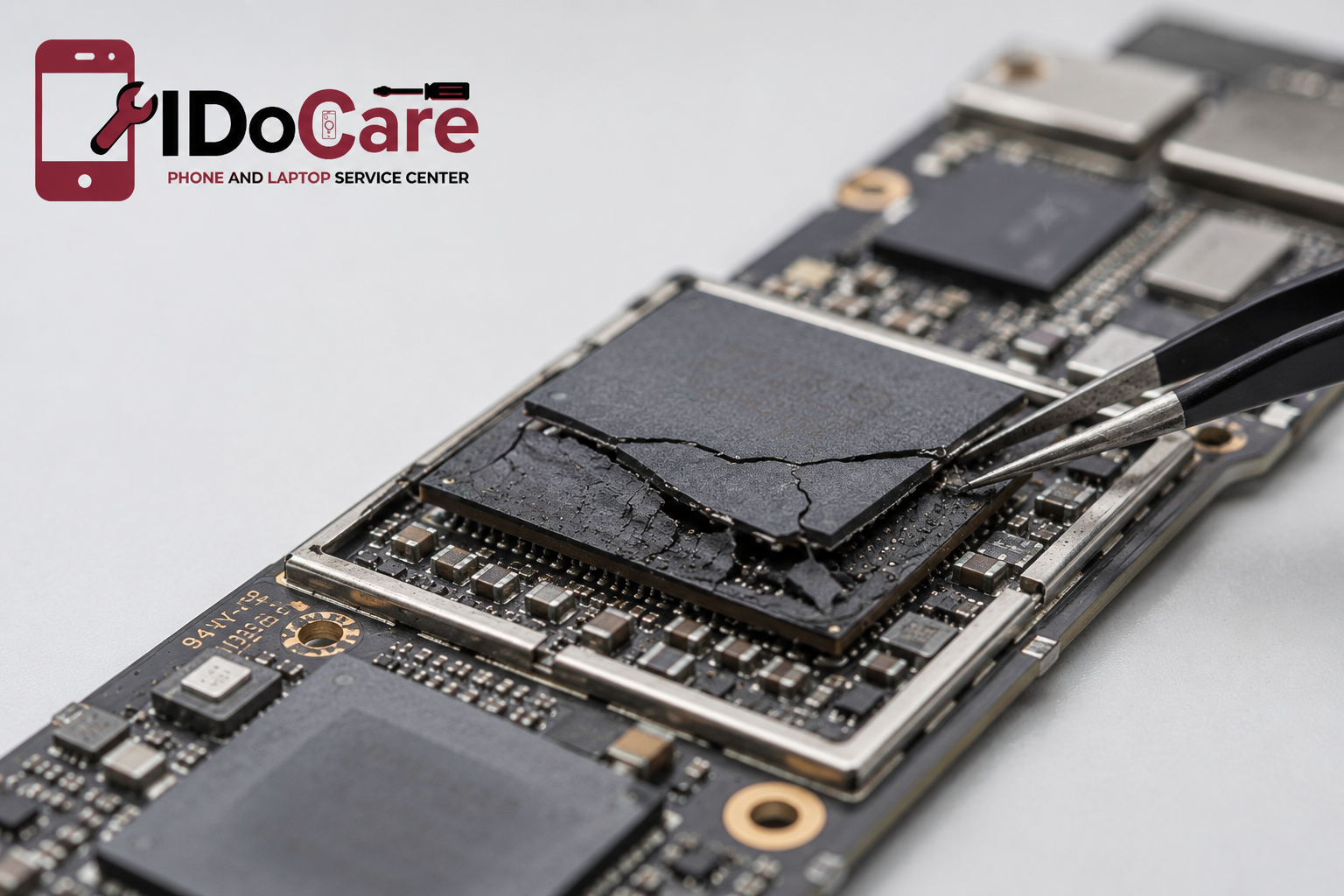
Modern diagnostic equipment allows technicians to check much more than battery health. They can inspect charging circuits, thermal sensors, motherboard components, charging ports, and software performance to accurately determine the source of the problem.
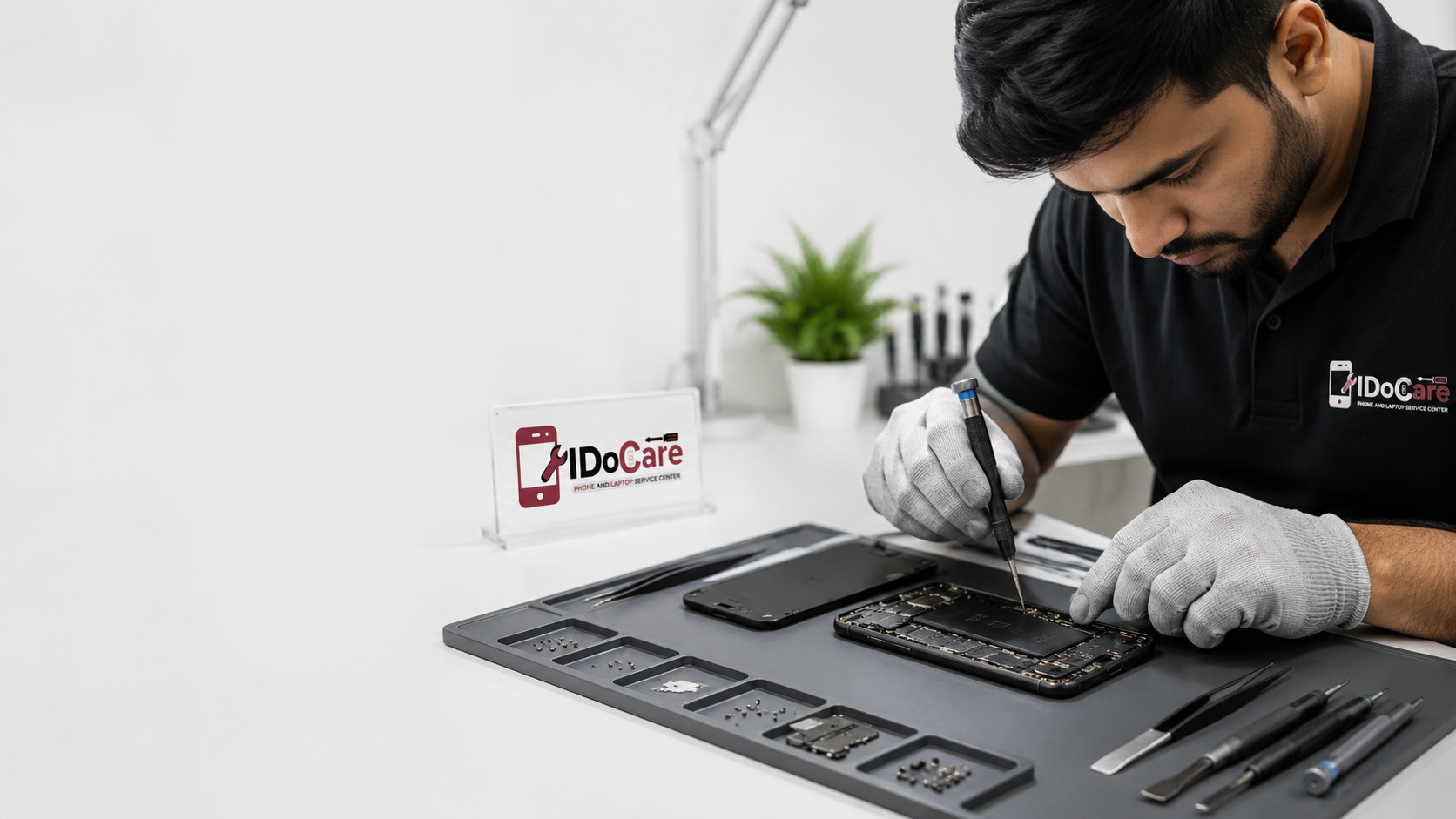
At IDO Care, every Apple iPhone undergoes a detailed inspection before any repair is recommended. Instead of replacing parts unnecessarily, technicians first identify whether the issue is caused by the recent iOS update, battery degradation, charging hardware, or internal motherboard faults.
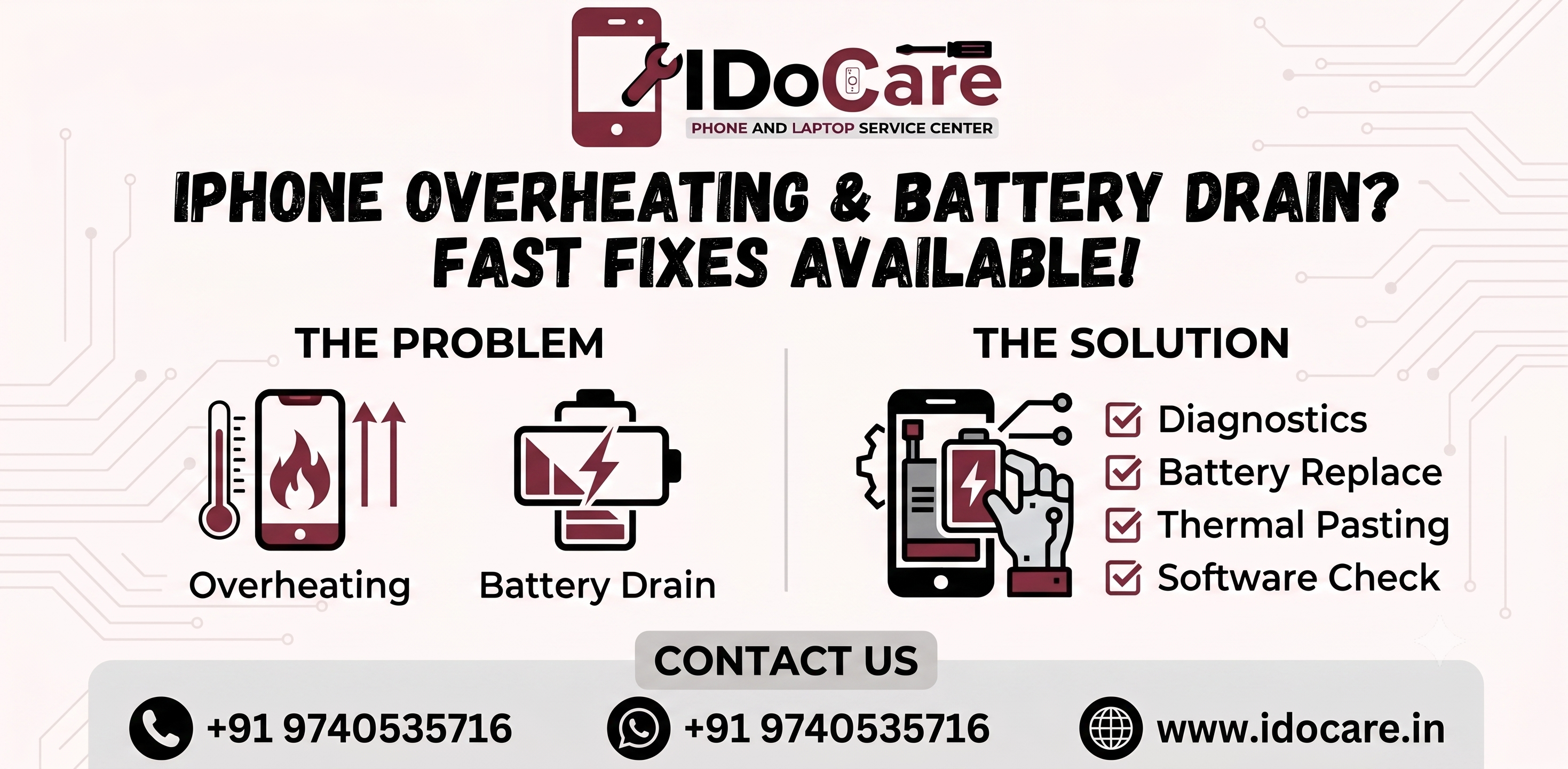
Professional services typically include:
- Complete battery health testing
- Charging port inspection
- Thermal performance analysis
- Software optimization
- Premium-quality battery replacement
- Motherboard diagnostics
- Final performance testing after repair
This careful approach helps customers receive the right repair while avoiding unnecessary expenses.
7. How to Keep Your iPhone Battery Healthy
Although software updates are unavoidable, good charging habits can significantly extend battery life.
To keep your Apple iPhone performing well:
- Install iOS updates after checking for any reported issues.
- Keep your apps updated regularly.
- Avoid leaving your phone in direct sunlight.
- Use high-quality certified charging accessories.
- Remove thick cases if your phone becomes hot while charging.
- Close apps you no longer use.
- Keep enough storage space available.
- Replace aging batteries before they begin affecting performance.
- Avoid regularly draining the battery completely.
Small changes in everyday usage can help your battery last longer and reduce the chances of overheating.
Quick Comparison Table
| Symptom | Possible Software Issue | Possible Battery Issue | Recommended Action |
|---|---|---|---|
| Phone heats after update | ✅ | ❌ | Wait 48–72 hours and monitor |
| Battery drains quickly | ✅ | ✅ | Check Battery Health |
| Heating while charging | ⚠️ | ✅ | Inspect charger and battery |
| Random shutdowns | ❌ | ✅ | Battery diagnostic recommended |
| Slow performance | ✅ | ✅ | Update apps and test battery |
| Battery Health below 80% | ❌ | ✅ | Replace battery |
| Heating only in one app | ✅ | ❌ | Update or reinstall the app |
| Constant overheating every day | ⚠️ | ✅ | Professional inspection |
Frequently Asked Questions
1. Why is my Apple iPhone overheating after installing iOS 26.5.2?
Major iOS updates often trigger background activities such as indexing files, optimizing applications, and syncing data. These temporary tasks increase processor usage, causing your Apple iPhone to become warm and use more battery power. The issue usually improves within a few days once the optimization process is complete.
2. Is battery drain normal after an iOS update?
Yes. Many users notice faster battery drain immediately after installing a major software update. Your Apple iPhone is completing background tasks that temporarily consume more power. If battery life doesn't improve after several days, it's a good idea to check the battery's health.
3. How can I check whether my battery needs replacement?
Go to Settings > Battery > Battery Health & Charging. If the Maximum Capacity has dropped below 80% or Apple recommends servicing the battery, replacing it is usually the best way to restore performance and improve battery life.
4. Can overheating damage my Apple iPhone?
Occasional warmth during charging or software updates is normal. However, repeated overheating can reduce battery lifespan and affect internal components over time. If your Apple iPhone frequently becomes very hot during normal use, it should be inspected by a qualified technician.
5. Should I wait for another iOS update before replacing my battery?
If the problem started immediately after installing iOS 26.5.2 and your battery health is still good, waiting a few days may help. However, if your battery is already worn out or the issue existed before the update, replacing the battery is usually the better long-term solution.
6. Can using an uncertified charger cause overheating?
Yes. Low-quality chargers and charging cables may not deliver stable power, which can generate extra heat and affect battery health over time. Using certified charging accessories helps protect your Apple iPhone and ensures safe charging.
7. Where can I get Apple iPhone battery diagnostics in Bangalore?
If you're in Bangalore, IDO Care offers professional Apple iPhone diagnostics to identify whether overheating and battery drain are caused by software issues, battery wear, charging components, or internal hardware faults before recommending repairs.
8. How can I improve battery life after updating to iOS 26.5.2?
Keep your apps updated, reduce unnecessary background activity, lower screen brightness, enable Low Power Mode when required, and regularly monitor Battery Health. If battery performance remains poor after trying these steps, professional diagnostics can identify the underlying cause.
Why Choose IDO Care? (Our Expertise)
At IDO Care, we understand how frustrating it can be when your Apple iPhone starts overheating or the battery drains much faster than expected. Our technicians have extensive experience diagnosing and repairing battery-related issues across a wide range of iPhone models.
Every device is carefully inspected using professional diagnostic equipment to determine whether the issue is related to software, battery health, charging components, or the motherboard. This detailed approach allows us to recommend only the repairs that are genuinely needed.
We use premium-quality replacement parts, follow industry best practices during repairs, and thoroughly test every device before returning it to the customer. Whether you need a battery replacement, charging port repair, motherboard diagnosis, or complete performance optimization, our goal is to provide reliable, transparent, and high-quality service.