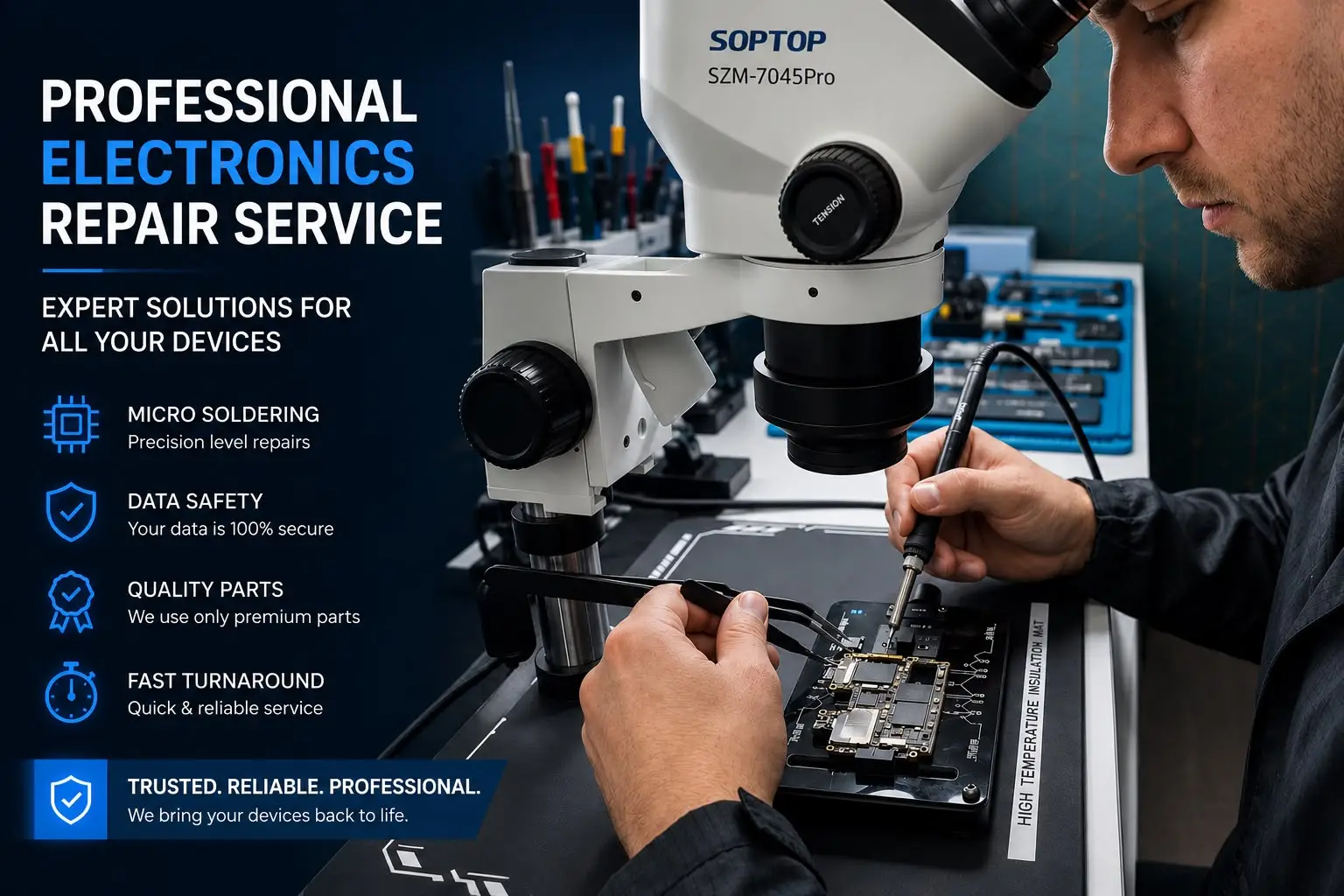
OnePlus Display Replacement in Bangalore – Screen Repair | IDoCare
A cracked, flickering or unresponsive OnePlus display can make an otherwise perfectly working phone difficult to use. A drop can damage the glass, touch layer or display panel, while problems such as green lines, black screens, dead pixels and ghost touch can sometimes appear without obvious physical damage.
If you're searching for OnePlus display replacement in Bangalore, the most important step is not simply finding the cheapest screen. The exact OnePlus model, display technology, type of damage, replacement-part availability and condition of the phone all need to be considered before the repair is approved.
IDoCare provides OnePlus and mobile repair services in Bangalore from its Malleswaram service centre, with doorstep repair available for eligible common repairs. Its website lists screen replacement, battery replacement, charging repair, motherboard repair, water-damage repair and other smartphone services. (IDoCare)
Quick answer: If your OnePlus screen is cracked, showing lines, flickering, not responding to touch or completely black, get the device diagnosed before replacing the display. Some problems require a complete display replacement, while others may be caused by a connector, software issue or internal hardware fault.
Need OnePlus screen repair?
Call +91 97405 35716 or contact IDoCare with your exact OnePlus model and a photo of the damaged display to check repair availability and the applicable quotation.
Common OnePlus Display Problems
A OnePlus display problem can have several causes. Correct diagnosis helps prevent unnecessary component replacement.
|
OnePlus Display Problem |
Common Symptoms |
Possible Cause |
Recommended Action |
|
Cracked screen |
Visible cracks or broken glass |
Drop or physical impact |
Display and frame inspection |
|
Touch not working |
Dead touch areas or delayed response |
Touch/display damage |
Professional diagnosis |
|
Black screen |
Phone works but display remains black |
Display or internal hardware fault |
Diagnostic check |
|
Green line |
Vertical green or coloured line |
AMOLED/display issue |
Check official OnePlus support first |
|
Flickering display |
Screen flashes or brightness changes |
Panel, connector or software issue |
Diagnosis before replacement |
|
Dead pixels |
Black or coloured spots |
Panel damage |
Display assessment |
|
Ghost touch |
Screen operates without being touched |
Touch-layer/display fault |
Stop using if severe and get it checked |
|
Colour distortion |
Unusual colours or patches |
Display panel damage |
Display inspection |
1. Cracked or Broken OnePlus Screen
A fall can damage the outer glass, display panel or complete display assembly.
Even when the phone still works, a cracked screen can become worse with everyday use. Broken glass can also make the device uncomfortable to handle.
Before replacing the screen, a technician should check:
- Glass damage
- Display output
- Touch response
- Frame condition
- Camera area
- Sensors
- Signs of internal damage
If the display assembly itself is damaged, replacement may be the appropriate solution.
2. OnePlus Touchscreen Not Working
Touch problems can appear as:
- Touch working only in certain areas
- Delayed response
- Ghost touches
- Random screen selections
- Touch failure after a drop
- Completely unresponsive touchscreen
A damaged display assembly is one possible cause, but touch failure can also involve connectors or other internal components.
Do not automatically assume that a new screen is required. Diagnose the problem first.
3. OnePlus Screen Is Black but the Phone Still Works
Does your OnePlus:
- Vibrate?
- Ring?
- Receive notifications?
- Make charging sounds?
- Connect to another device?
while the screen remains black?
The display may have failed, but a black screen can also result from internal hardware or software problems.
This is why a professional inspection is preferable to purchasing a replacement display without diagnosis.
4. Green Line on OnePlus Display
Green-line issues are an important consideration when repairing OnePlus AMOLED displays.
There is an important distinction here: OnePlus currently states that users experiencing eligible green-line issues can receive a free display replacement through an authorized OnePlus service centre, within the applicable parts-supply period and subject to its terms. Damage caused by human or external factors is excluded.
Therefore, if your OnePlus develops a green line without physical damage:
Check the official OnePlus service route before paying for a third-party display replacement.
If the phone has accidental damage, liquid damage or another physical fault, eligibility may be different.
This is an important part of responsible repair advice: the right solution is not always a paid screen replacement.
5. OnePlus Display Flickering
A flickering display can be caused by:
- Display-panel damage
- Loose or damaged connections
- Software problems
- Physical impact
- Internal hardware faults
- Display failure
If flickering started after a fall, pressure or previous repair, mention that history during diagnosis.
6. Lines, Dead Pixels and Abnormal Colours
A damaged display can develop:
- Green lines
- Pink lines
- White lines
- Black spots
- Dead pixels
- Colour distortion
- Uneven brightness
- Flickering
If the problem appeared after physical impact, the display panel should be inspected.
OnePlus Display Repair: What Should You Do?
|
Situation |
Recommended Next Step |
|
Small crack but display and touch work |
Get the screen assessed |
|
Touch completely failed |
Professional diagnosis |
|
Black screen but phone is vibrating |
Diagnose before buying a display |
|
Green line appeared without physical damage |
Check official OnePlus support eligibility |
|
Screen cracked after a fall |
Display and frame inspection |
|
Phone exposed to water |
Liquid-damage diagnosis first |
|
Display flickering |
Diagnose before replacement |
|
Very cheap replacement offered |
Ask about part quality and warranty |
OnePlus Models That May Require Display Repair
Display availability varies by model and current parts availability.
Customers commonly enquire about repairs for models such as:
- OnePlus 13
- OnePlus 12
- OnePlus 12R
- OnePlus 11
- OnePlus 10 Pro
- OnePlus 9
- OnePlus 9 Pro
- OnePlus 9R
- OnePlus 8
- OnePlus 8T
- OnePlus Nord series
- OnePlus Nord CE series
Newer OnePlus models are also available in the Indian market, so the exact model should always be confirmed before quoting a repair. OnePlus currently lists models including the OnePlus 15R, OnePlus 15, Nord 6 and Nord 5 on its Indian website.
|
OnePlus Series/Model |
Common Display Issues |
Repair Assessment |
|
OnePlus 13 |
Cracked screen, touch issues, display damage |
Model-specific diagnosis |
|
OnePlus 12 / 12R |
Cracked display, lines, touch failure |
Display inspection |
|
OnePlus 11 |
Broken glass, display problems, touch issues |
Display assessment |
|
OnePlus 10 Pro |
Cracked screen, flickering, touch failure |
Diagnosis required |
|
OnePlus 9 / 9 Pro / 9R |
Display damage, lines, touch issues |
Model-specific assessment |
|
OnePlus 8 / 8T |
Cracked screen, display failure |
Replacement availability check |
|
OnePlus Nord Series |
Screen damage, touch failure |
Model and part availability check |
|
OnePlus Nord CE Series |
Cracked display, touch issues |
Model-specific assessment |
Note: This is a repair-intent guide, not a guarantee that every listed model or display assembly is currently in stock.
OnePlus Display Replacement Cost in Bangalore
There isn't one universal price for OnePlus display replacement in Bangalore.
The final cost can depend on:
- Exact OnePlus model
- Display technology
- Display assembly specification
- Replacement-part quality
- Current part availability
- Frame damage
- Touch-layer damage
- Additional internal damage
- Labour and testing requirements
What affects your repair cost?
|
Factor |
Why It Affects Cost |
|
OnePlus model |
Different models use different display assemblies |
|
Display technology |
Panel specifications vary between models |
|
Replacement-part quality |
Different parts can have different performance characteristics |
|
Part availability |
Older or less common models may require sourcing |
|
Frame damage |
A damaged frame can require additional work |
|
Additional faults |
Motherboard, connector or liquid damage can change the repair |
|
Warranty |
Coverage depends on the repair and replacement component |
For an accurate quotation, send the exact OnePlus model and photos of the damaged screen.
Avoid choosing a repair centre based only on the lowest advertised price.
Original, OEM or Compatible OnePlus Display: What Should You Ask?
Replacement-part terminology can be confusing.
Instead of relying on labels alone, ask the repair provider what you are actually receiving.
Check these factors:
Touch response
Does the screen respond consistently across the entire panel?
Brightness
Does the replacement provide appropriate brightness for the model?
Colour reproduction
Are colours and viewing angles acceptable?
Refresh rate
For models with higher refresh rates, ask whether the replacement supports the expected functionality.
Fingerprint functionality
If your OnePlus has an in-display fingerprint sensor, confirm that it will be tested after installation.
Fit and finish
The display should sit properly within the frame without obvious gaps or poor alignment.
Warranty
Understand what the repair warranty covers before approving the work.
The cheapest screen is not necessarily the best-value screen.
OnePlus Display Replacement Process at IDoCare
A professional repair should involve more than removing the broken display and installing another one.
Step 1: Device Inspection
The phone is checked for:
- Display damage
- Touch functionality
- Frame condition
- Camera condition
- Charging
- Buttons
- Previous repair work
- Signs of liquid damage
Step 2: Diagnosis
The technician identifies whether the display is actually responsible for the problem.
Step 3: Repair Recommendation
The customer is informed about the recommended repair and applicable cost factors.
Step 4: Display Replacement
After customer approval, the damaged component is removed and the appropriate replacement is installed.
Step 5: Functional Testing
The repaired phone should be checked for:
- Display
- Touch
- Brightness
- Cameras
- Speaker
- Microphone
- Charging
- Buttons
- Connectivity
- Fingerprint functionality where applicable
Step 6: Final Inspection
The device is inspected before handover.
OnePlus Display Repair: From Diagnosis to Handover
|
Stage |
What Happens |
|
1. Diagnosis |
Display and related hardware are inspected |
|
2. Repair recommendation |
Appropriate repair option is explained |
|
3. Customer approval |
Repair begins after the quotation is understood |
|
4. Display replacement |
Damaged display is replaced where appropriate |
|
5. Testing |
Touch, display, charging and relevant functions are checked |
|
6. Final inspection |
Device is inspected before handover |
This process gives customers a clearer understanding of what happens to their phone during repair.
How Long Does OnePlus Display Replacement Take?
Turnaround depends on:
- Exact model
- Display availability
- Condition of the device
- Additional damage
- Technician workload
- Required testing
For eligible OnePlus display repairs, iDoCare aims to provide a fast turnaround, with many common repairs completed in around 30 minutes when the required replacement part is available. More complex problems, liquid damage, motherboard issues or additional faults may require more time.
For OnePlus display replacement, confirm the expected turnaround for your exact model before approving the repair.
OnePlus Screen Repair in Rajajinagar
Customers searching for OnePlus screen replacement near Rajajinagar should provide the exact model and describe the damage.
For example:
OnePlus 11 + cracked glass + working touch
is a different repair scenario from:
OnePlus 11 + black screen + phone still vibrating.
Providing these details can help the repair team understand the problem before inspection.
OnePlus Display Repair Near Indiranagar
Common searches include:
- OnePlus display replacement Indiranagar
- OnePlus screen repair Indiranagar
- OnePlus repair near me
- OnePlus cracked screen repair
- OnePlus touchscreen repair Bangalore
The same principle applies regardless of location:
Diagnosis → suitable part → careful installation → testing.
OnePlus Screen Replacement Near MG Road
If you're around MG Road and need OnePlus screen repair, ask the repair provider about:
- Exact display specification
- Part availability
- Expected turnaround
- Warranty
- Testing procedure
- Final quotation
A transparent repair process should explain these details before the work begins.
OnePlus Display Replacement in Koramangala
Customers searching for OnePlus display replacement in Koramangala may be dealing with:
- Broken display
- Touch failure
- Green line
- Black screen
- Flickering
- Dead pixels
- Accidental damage
- Liquid-related problems
If your phone has been exposed to water, mention it before requesting a display replacement. Liquid damage can affect components beyond the screen.
What to Do Before Giving Your OnePlus for Repair
Protect your personal data before handing over your smartphone.
Back up important information
Whenever possible, back up:
- Photos
- Videos
- Contacts
- Documents
- WhatsApp data
- Important application data
Record the phone's condition
Take photographs of the phone before repair, particularly if it has existing scratches, dents or frame damage.
Record device details
Keep your:
- Model number
- IMEI/serial information
- Existing damage details
Explain previous repairs
Tell the technician if the phone previously had:
- Screen replacement
- Battery replacement
- Motherboard repair
- Water damage
- Charging-port repair
Previous repairs can affect diagnosis.

Why Choose IDoCare for OnePlus Display Repair?
The goal should be to choose a repair provider based on diagnosis, transparency and repair quality, not just price.
Model-specific diagnosis
The exact OnePlus model determines the appropriate display and repair approach.
Clear repair recommendation
You should understand why display replacement is being recommended.
Multiple repair options
A black screen or touch problem may not always be caused by the display.
Post-repair testing
Important functions should be tested before the phone is handed back.
Bangalore service
IDoCare operates from Malleswaram and advertises doorstep and in-store mobile repair services across Bangalore.
Transparent business information
IDoCare publicly lists its business address, phone number and service information, making it easier for customers to verify where and how to contact the business.
Frequently Asked Questions
How much does OnePlus display replacement cost in Bangalore?
The price depends on the exact OnePlus model, display specification, replacement-part option and availability. Contact IDoCare with the model number and damage details for a model-specific quotation.
Can you replace a cracked OnePlus screen?
Many OnePlus models can be repaired with a display replacement, subject to the model and availability of the appropriate replacement component.
My OnePlus touch is not working. Do I need a new display?
Not necessarily. Touch failure can have multiple causes, so the phone should be diagnosed before a display is replaced.
My OnePlus has a green line. Should I replace the display?
First check whether the phone qualifies for OnePlus's current green-line support. OnePlus says eligible green-line issues can receive free display replacement through its authorized service centres, subject to its terms.
Can OnePlus display replacement be done on the same day?
Most of the repairs have been completed the same day when the appropriate part is available and no additional damage is found. Confirm the expected turnaround for your exact model.
Does IDoCare provide OnePlus doorstep repair in Bangalore?
IDoCare advertises doorstep mobile repair across Bangalore, including common services such as screen replacement. Availability can depend on the model, repair type, location and technician availability.
Will my data be deleted during screen replacement?
A routine display replacement does not necessarily require data deletion, but data loss can occur during some repair procedures. Back up important information before servicing.
Can only the glass be replaced?
That depends on the model and type of damage. A technician should determine whether glass-only repair or a complete display replacement is appropriate.
Is the cheapest OnePlus display the best option?
Not necessarily. Ask about display specifications, touch response, brightness, refresh rate, compatibility and warranty rather than comparing price alone.
How can I get a OnePlus display replacement quotation?
Send IDoCare your exact OnePlus model, a photo of the damaged screen and a short description of the problem. The team can advise you about availability and the next diagnostic step.
OnePlus Display Repair Checklist
Before approving your repair:
- Exact OnePlus model confirmed
- Display problem diagnosed
- Replacement type explained
- Quotation understood
- Expected turnaround confirmed
- Warranty explained
- Touch tested after repair
- Brightness checked
- Fingerprint tested where applicable
- Cameras tested
- Speaker and microphone tested
- Charging tested
- Device condition checked before collection
Get Your OnePlus Screen Repaired by IDoCare in Bangalore
A cracked or malfunctioning OnePlus display doesn't necessarily mean you need a new phone. Whether you're facing a broken screen, unresponsive touch, green lines, display flickering, black screen, dead pixels or accidental screen damage, getting the phone properly assessed is the first step toward the right repair.
At IDoCare, customers can get professional assistance for OnePlus display replacement and screen repair in Bangalore. Our Malleswaram service centre helps customers understand the repair requirement, available display options, estimated cost and expected turnaround before proceeding.
Located on 7th Cross, Sampige Road, Malleswaram, IDoCare is conveniently positioned for customers from Rajajinagar, Yeshwanthpur, Seshadripuram, Sadashivanagar, Vyalikaval, Basaveshwaranagar, Vijayanagar, Majestic and other parts of Bangalore.
Whether you need a OnePlus 13 display replacement, OnePlus 12 screen repair, OnePlus 11 display replacement, OnePlus Nord screen repair or assistance with another supported model, share your exact model and describe the problem so the repair team can guide you toward the appropriate solution.
Why Choose IDoCare for OnePlus Screen Repair?
- Professional device inspection
- Model-specific repair assessment
- Display replacement options based on availability
- Touch and display functionality testing
- Clear repair information before proceeding
- Convenient Malleswaram location
- Bangalore-wide service enquiries
- Support for multiple OnePlus models
About this guide
This article is intended to help OnePlus users understand common display problems, repair considerations and questions to ask before approving a screen replacement. Device-specific diagnosis is recommended because the same symptom can have different causes.