A MacBook Pro with Apple’s M1 chip is designed to deliver excellent performance and battery life. However, over time, you may notice the battery percentage dropping unusually fast, the MacBook becoming warm during light use, or the battery lasting only a few hours.
If your MacBook Pro M1 battery is draining fast, the problem may be caused by background applications, high power consumption, outdated macOS, battery health degradation, charging issues, or a hardware fault.
This guide explains the common causes of MacBook Pro M1 battery drain, practical fixes you can try, when battery replacement may be necessary, and when professional MacBook repair in Bangalore is the better option.
Quick Answer: Why Is My MacBook Pro M1 Battery Draining Fast?
The most common reasons include:
- Battery health has degraded with age and charge cycles.
- High-power applications are running in the background.
- Too many browser tabs or resource-heavy websites are open.
- macOS or applications are outdated.
- Display brightness is unnecessarily high.
- External devices are consuming power.
- Background processes are using CPU or GPU resources.
- The MacBook is overheating.
- The battery or charging system has developed a hardware problem.
If the battery drains rapidly even during light usage after software troubleshooting, battery health and hardware diagnostics should be checked.
MacBook Pro M1 Battery Drain: Common Symptoms
Battery problems can appear in several ways. Watch for these signs:
|
Symptom |
Possible Cause |
|
Battery percentage drops quickly |
Battery degradation or high power usage |
|
MacBook shuts down unexpectedly |
Weak or degraded battery |
|
Battery drains while sleeping |
Background processes or system issue |
|
MacBook gets hot during light use |
High CPU activity or hardware issue |
|
Battery won't charge properly |
Charger, port, battery or charging circuit |
|
Battery service warning appears |
Battery health has significantly declined |
|
Battery percentage changes suddenly |
Battery calibration or battery-health issue |
|
MacBook lasts much less than before |
Normal battery aging or excessive power consumption |
1. Check MacBook Pro M1 Battery Health
The first step is to check the battery condition.
On your MacBook, go to:
Apple menu → System Settings → Battery → Battery Health
Depending on your macOS version, you may see information such as Maximum Capacity and battery condition.
A lower maximum capacity means the battery can store less energy than when it was new.
Battery capacity naturally decreases as lithium-ion batteries age. Therefore, a reduction in battery life does not automatically mean the MacBook has another hardware problem.
However, if battery performance has deteriorated significantly or macOS recommends service, professional inspection is advisable.
2. Check Which Apps Are Consuming Battery
A frequently overlooked cause of battery drain is an application using excessive system resources.
Open:
Activity Monitor → Energy
Check which applications are consuming the most energy.
Common examples include:
- Video editing applications
- Photo editing software
- Web browsers with many tabs
- Video conferencing applications
- Development tools
- Virtual machines
- Cloud synchronization applications
- External display utilities
If an application consistently uses excessive energy when you are not actively using it, close it and check whether battery performance improves.
3. Reduce Unnecessary Screen Brightness
The MacBook Pro's display can consume considerable power, especially at high brightness.
For normal indoor work, use a comfortable but moderate brightness level.
You can also enable automatic brightness adjustment where available.
Reducing display brightness won't repair a degraded battery, but it can improve everyday battery runtime.
4. Close Unnecessary Background Applications
Applications can continue performing tasks even when their windows are not visible.
Examples include:
- Cloud storage synchronization
- Browser extensions
- Backup software
- Messaging applications
- Creative software
- System utilities
Review applications that launch automatically and remove unnecessary startup items.
This can reduce background CPU activity and help improve battery efficiency.
5. Update macOS and Applications
Running an outdated macOS version or application can sometimes cause unnecessary power consumption.
Check:
System Settings → General → Software Update
Also keep frequently used applications updated.
Software updates can include performance improvements, bug fixes and power-management improvements.
However, if the battery continues to drain rapidly after updating, don't assume that software is the only cause. Battery health should also be evaluated.
6. Disconnect Unnecessary External Devices
External accessories can consume battery power.
For example:
- USB hubs
- External hard drives
- USB accessories
- External displays
- iPhone or iPad connected for extended periods
- Other powered peripherals
Disconnect devices you are not using and monitor battery performance.
If the battery drain becomes normal after disconnecting a particular accessory, the accessory or its connection may be contributing to the problem.
7. Check for MacBook Pro M1 Overheating
Heat and battery performance are closely related.
If your MacBook Pro M1 becomes unusually hot during simple activities such as browsing, document editing or watching videos, investigate the cause.
Possible reasons include:
- Heavy background processes
- Blocked ventilation
- Dust accumulation
- High CPU usage
- Resource-intensive applications
- Charging-related issues
- Hardware faults
A MacBook that repeatedly overheats should be professionally inspected rather than simply continuing to use it under heavy load.
8. MacBook Pro M1 Battery Draining While Sleeping
Another common complaint is:
“My MacBook Pro M1 loses battery even when I am not using it.”
Some battery loss during standby can occur, but significant overnight drain may indicate background activity or another issue.
Check:
- Applications running in the background
- Connected USB devices
- Network activity
- System settings
- macOS updates
- Battery condition
If the MacBook consistently loses a substantial amount of battery while sleeping, professional diagnostics can help identify whether the issue is software-related or hardware-related.
9. Check the Charger and Charging Connection
Sometimes what appears to be a battery problem is actually a charging problem.
Inspect:
- USB-C charging cable
- Power adapter
- Charging port
- Connection between adapter and MacBook
- Charging behavior under different conditions
A damaged cable or adapter can cause intermittent charging.
If your MacBook repeatedly starts and stops charging, charges unusually slowly, or does not recognize the charger, the charging system should be inspected.
10. Should You Replace a MacBook Pro M1 Battery?
Battery replacement may be appropriate when the battery has significantly degraded and software troubleshooting does not improve runtime.
Common signs that professional battery service may be required include:
- Very short battery runtime
- Significant battery health degradation
- Unexpected shutdowns
- Battery service warning
- Battery swelling
- Rapid percentage drops
- MacBook switching off despite showing remaining charge
- Battery failing to hold charge
Battery replacement should be based on battery-health information, symptoms and diagnostic testing, rather than simply replacing the battery because the MacBook is older.
MacBook Pro M1 Battery Replacement in Bangalore
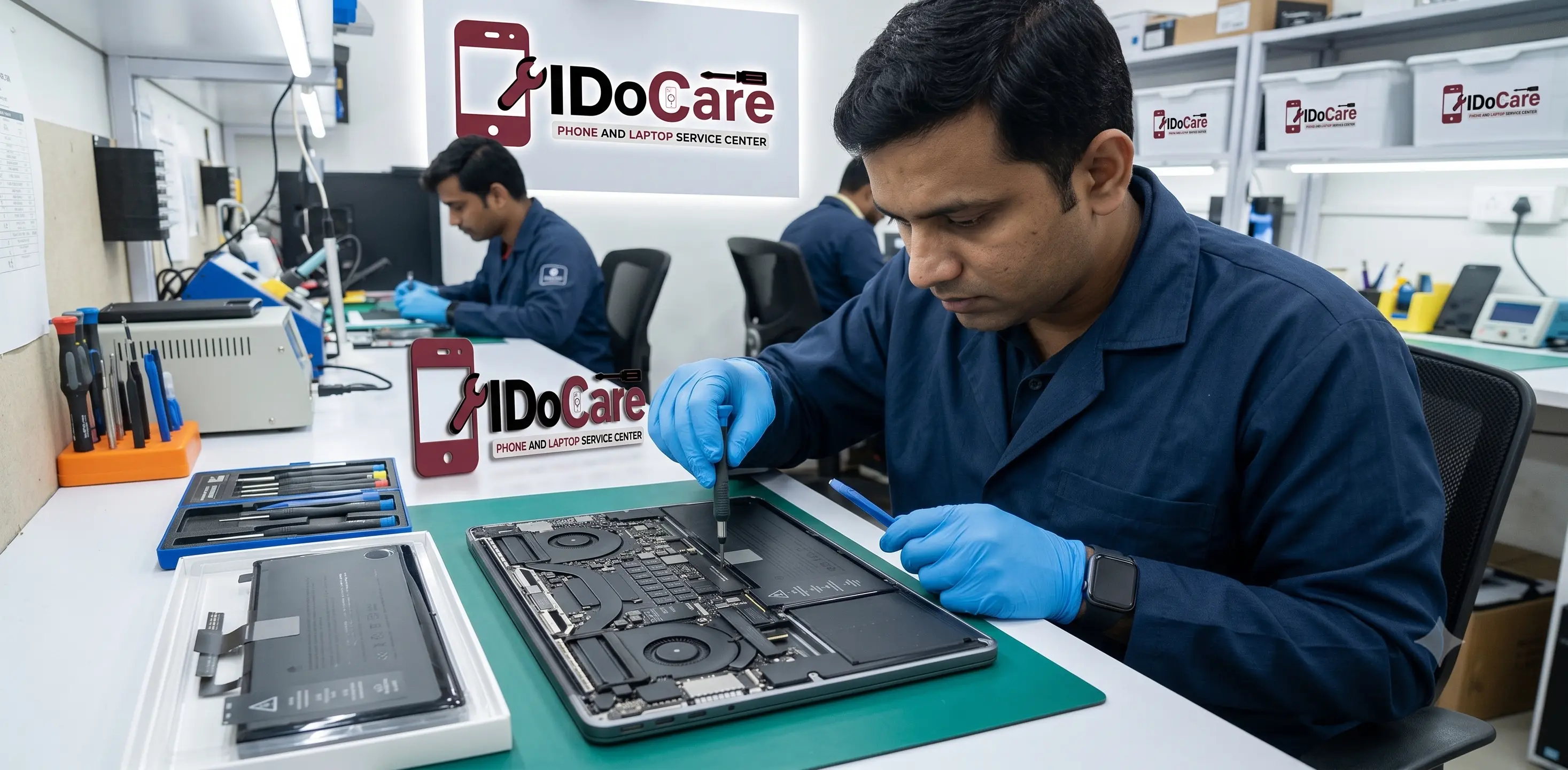
If your MacBook Pro M1 battery is draining fast in Bangalore, iDoCare provides professional MacBook and laptop repair services in Malleshwaram.
A proper battery service should begin with diagnosis rather than immediately replacing components.
At iDoCare, the inspection can include:
- Battery health assessment
- Charging and power diagnostics
- Battery performance evaluation
- Charging-port inspection
- Thermal and performance checks
- Software-related troubleshooting
- Battery replacement when required
The exact repair depends on the condition of the MacBook and the underlying cause of the battery problem.
How Long Does a MacBook Pro M1 Battery Last?
Battery lifespan depends on several factors, including:
- Daily usage
- Charging habits
- Number of charge cycles
- Operating temperature
- Workload
- Applications used
- Battery age
Video editing, gaming, development workloads, external displays and other demanding tasks naturally consume more power than basic browsing or document work.
Therefore, two MacBook Pro M1 computers of the same age may have noticeably different battery performance.
MacBook Pro M1 Battery Problems: Software or Hardware?
This is an important distinction.
Software-related battery drain
Possible causes include:
- High-energy applications
- Background processes
- Outdated software
- Browser activity
- Startup applications
- System configuration
These problems may often be resolved without replacing the battery.
Hardware-related battery problems
Possible causes include:
- Degraded battery cells
- Battery swelling
- Charging-system faults
- Damaged charging components
- Battery connector issues
- Power-management problems
Hardware issues generally require professional diagnosis and repair.
When Should You Stop Using a MacBook With a Battery Problem?
If you notice battery swelling, unusual heat, a damaged battery, smoke, a strong chemical smell, or physical deformation, stop using and charging the MacBook and seek professional service.
Do not attempt to puncture, open or physically manipulate a swollen lithium-ion battery.
Battery replacement should be performed by a qualified technician using an appropriate replacement battery.
Why Professional MacBook Battery Diagnosis Matters
Replacing a battery without diagnosing the underlying issue can sometimes fail to solve the problem.
For example, fast battery drain could be caused by:
Battery degradation → replacement may be appropriate.
High CPU usage → software troubleshooting may solve the issue.
Charging fault → charging-system repair may be required.
Thermal issue → cooling and hardware inspection may be necessary.
Motherboard/power-management fault → further board-level diagnostics may be required.
This is why a professional inspection is useful when basic software troubleshooting does not resolve the problem.
iDoCare MacBook Pro Battery Service in Bangalore
iDoCare provides MacBook repair and battery replacement services in Bangalore, including MacBook Pro battery-related diagnosis and repair.
Our service approach focuses on identifying the actual cause before recommending a repair.
For customers in and around Malleshwaram and central Bangalore, iDoCare offers MacBook and laptop repair support, including battery, charging, performance and hardware-related issues.
Why Choose iDoCare?
- Professional MacBook and laptop repair
- Battery health and charging diagnosis
- MacBook Pro battery replacement
- Hardware and software troubleshooting
- Transparent repair recommendations
- Same-day service for many repairs, depending on parts and issue
- Pickup and delivery options may be available
- Local service centre in Malleshwaram, Bangalore
Frequently Asked Questions
Why is my MacBook Pro M1 battery draining so fast?
Fast battery drain can be caused by battery degradation, high-energy applications, background processes, high brightness, overheating, outdated software or a hardware problem. Checking battery health and Activity Monitor is a good first step.
How do I check MacBook Pro M1 battery health?
Go to Apple menu → System Settings → Battery → Battery Health. The exact options may vary depending on your macOS version.
Can a MacBook Pro M1 battery be replaced?
Yes. The battery can be replaced when it has significantly degraded or developed a fault. The MacBook should be diagnosed first to confirm that the battery is the actual cause.
Why does my MacBook Pro M1 lose battery overnight?
Background processes, connected accessories, network activity, system settings or battery degradation can contribute to standby battery drain.
Is fast battery drain always a sign that the battery needs replacement?
No. High CPU usage, background applications, software issues and overheating can also cause rapid battery drain. Diagnosis is recommended before replacing the battery.
How much does MacBook Pro M1 battery replacement cost in Bangalore?
The price depends on the exact MacBook Pro M1 model, battery availability and the type of replacement required. A technician should confirm the model and battery condition before providing an accurate quote.
How long does MacBook Pro M1 battery replacement take?
The repair time depends on the MacBook model, battery availability and diagnostic findings. Some repairs can be completed the same day, while parts availability may affect turnaround time.
Can I continue using a MacBook with a swollen battery?
No. A swollen lithium-ion battery should be treated as a safety issue. Stop using and charging the MacBook and have it professionally inspected.
Final Verdict
If your MacBook Pro M1 battery is draining fast, don't immediately assume that you need a replacement. Start by checking battery health, identifying high-energy applications, reducing unnecessary background activity and updating macOS.
If the problem continues—or you notice unexpected shutdowns, severe battery degradation, overheating or swelling—professional diagnosis is recommended.
For MacBook Pro M1 battery repair and replacement in Bangalore, IDoCare can inspect the MacBook, identify the likely cause and recommend the appropriate repair.