Introduction
Imagine switching on your phone only to find a black screen or a device that refuses to start. Your first thought is usually, "Have I lost all my photos, contacts, and important files?" Fortunately, a motherboard failure doesn't always mean your data is gone forever.
In many situations, the problem lies in one or more damaged components on the motherboard while the storage chip that holds your data remains perfectly safe. With the right tools and expert repair techniques, it's often possible to repair the motherboard and bring your device back to life without deleting your personal data.
In this guide, you'll learn what causes motherboard failure, how data recovery works, and why choosing an experienced repair center can make all the difference.
1. What Happens When a Motherboard Fails?
The motherboard is often called the "heart" of your smartphone or laptop because it connects and controls every major component inside the device. It allows the processor, battery, charging port, cameras, display, and storage memory to work together.
When the motherboard develops a fault, your device may stop functioning properly or fail to turn on altogether. However, this doesn't necessarily mean your files have been erased. In most cases, your photos, videos, contacts, documents, and messages are still stored safely in the memory chip.
The real challenge is restoring communication between the motherboard and the storage so the device can access your data again. That's why professional motherboard repair focuses on identifying the faulty components rather than replacing the entire board.
Common Causes of Motherboard Failure
Motherboard damage can happen for several reasons, including:
- Accidental drops or physical impact
- Water or liquid damage
- Power surges during charging
- Using low-quality chargers or cables
- Overheating caused by excessive usage
- Electrical short circuits
- Corrosion due to moisture
- Wear and tear over time
Sometimes the damage is obvious, while in other cases it develops gradually until the phone suddenly stops working.
Signs Your Motherboard May Be Damaged
Some of the most common symptoms include:
- Phone doesn't turn on
- Device keeps restarting repeatedly
- No charging despite using a working charger
- Screen remains black
- Device heats up unusually fast
- Random freezing or crashing
- Network or Wi-Fi stops working
- Camera or Face ID suddenly stops functioning
These symptoms don't always mean the motherboard has failed completely, but they do indicate that the device should be inspected by a qualified technician.
Can Your Data Still Be Safe?
The good news is yes.
Your personal files are usually stored on a dedicated memory chip (such as NAND or UFS storage). Unless that chip has been physically damaged, your data often remains intact even when the motherboard develops faults.
Experienced technicians can repair damaged circuits, replace faulty chips, fix short circuits, or restore power to the board without affecting the stored data.
This is why professional diagnosis is so important before deciding to replace your device.
Avoid DIY Motherboard Repairs
Watching online repair videos may make motherboard repair look simple, but modern smartphones require highly specialized equipment and training.
Trying to repair the device yourself can:
- Permanently damage the memory chip
- Destroy tiny motherboard components
- Make future data recovery impossible
- Increase the overall repair cost
- Void any remaining warranty
If your device contains valuable business files, family photos, or important documents, it's always safer to let trained professionals handle the repair.
Data Recovery Success by Type of Damage
| Problem | Can Data Usually Be Recovered? | Repair Difficulty | Recommended Solution |
|---|---|---|---|
| Water Damage | Yes, in many cases | Medium to High | Clean the board and repair damaged components quickly |
| Charging IC Failure | Yes | Easy to Moderate | Replace the faulty charging IC |
| Power IC Failure | Yes | Moderate | Component-level repair |
| Short Circuit | Yes | Moderate | Identify and repair damaged circuits |
| Display IC Failure | Yes | Moderate | Replace the display IC |
| CPU-Related Fault | Sometimes | High | Advanced motherboard diagnostics |
| Memory Chip Damage | Recovery may be limited | Very High | Specialized data recovery procedures |
| Physical Board Damage | Depends on severity | High | Professional inspection and repair |
Frequently Asked Questions (FAQs)
Can I recover my photos if my phone's motherboard is damaged?
Yes. In many cases, your photos, videos, contacts, and documents remain safe because they are stored in the device's memory chip. If the storage chip hasn't been damaged, the data can often be recovered after repairing the motherboard.
Does motherboard repair delete my data?
A professional motherboard repair is performed with the goal of preserving your existing data. Data loss usually occurs only if the storage memory itself is damaged beyond repair.
How long does motherboard repair usually take?
Simple motherboard repairs may be completed on the same day, while more complex issues can take one to three days depending on the extent of the damage and the availability of replacement components.
Can water-damaged phones still be repaired?
Yes. If the device is brought in quickly and hasn't suffered severe corrosion, many water-damaged phones can be repaired successfully without losing the stored data.
Is repairing the motherboard better than replacing the phone?
In many situations, yes. Repairing the motherboard is often more affordable than buying a new device, and it allows you to keep your original photos, files, apps, and settings.
Can all motherboard problems be repaired?
Not every motherboard can be repaired, but many issues such as power failures, charging problems, damaged ICs, and short circuits can be fixed by experienced technicians using component-level repair techniques.
What should I do if my phone suddenly stops working?
Avoid charging it repeatedly or attempting DIY repairs. Instead, switch it off if possible and have it inspected by a professional repair center as soon as you can. Acting quickly increases the chances of both successful repair and data recovery.
Our Expertise
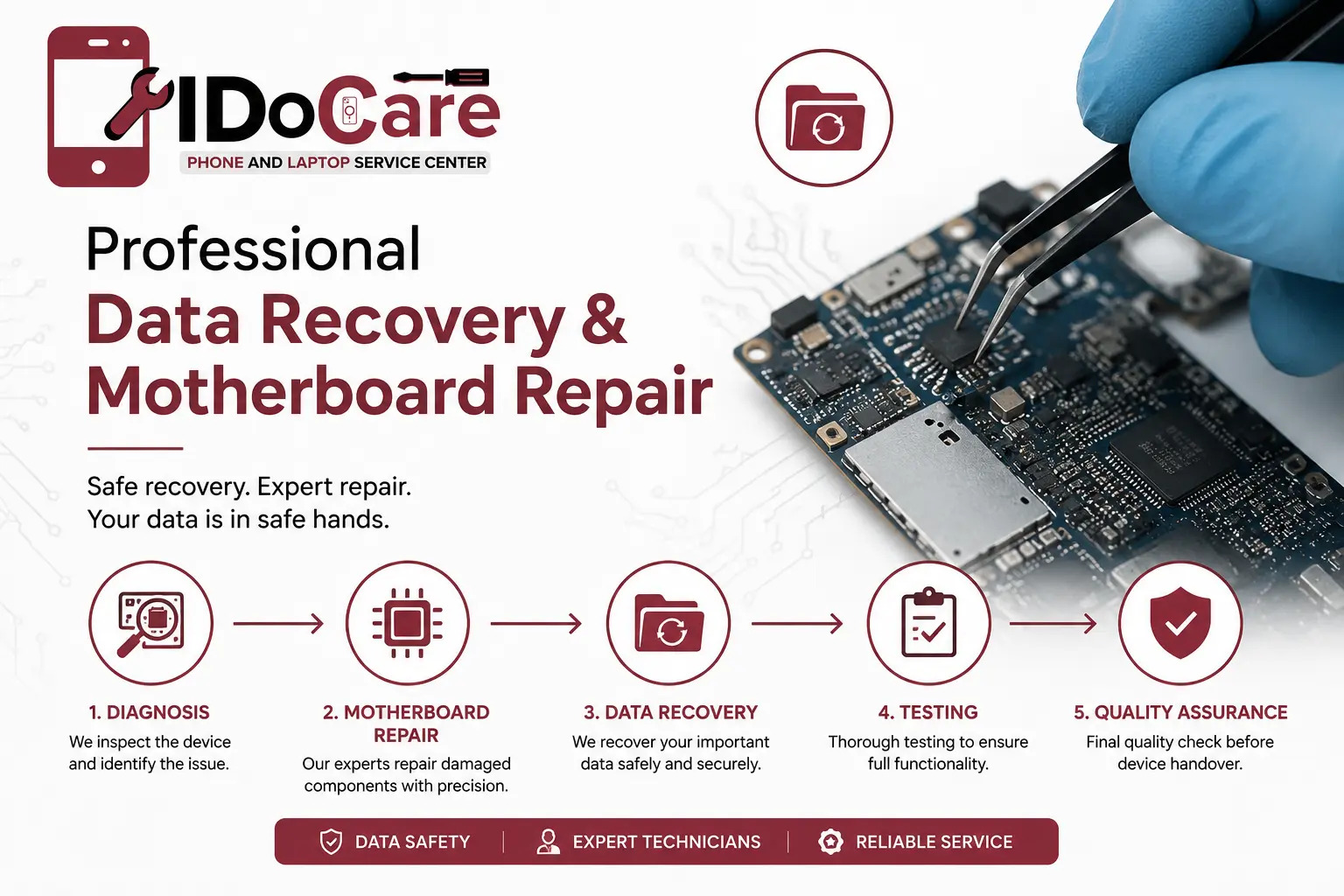
At iDoCare, we specialize in advanced motherboard repair and data recovery for smartphones, tablets, laptops, and MacBooks. Our technicians perform component-level diagnostics using professional micro-soldering equipment and industry-standard repair techniques to restore devices while preserving customer data whenever technically possible.
Our expertise includes:
- Component-level motherboard repair
- Data recovery from non-booting devices
- Water damage restoration
- Power IC and charging IC replacement
- CPU and memory circuit diagnostics
- Short circuit detection and repair
- No unnecessary data deletion during repair
- Fast turnaround with quality-tested repairs
Whether your device won't power on, is stuck in a boot loop, has suffered liquid damage, or has a motherboard fault, our goal is to recover both your device and your valuable data safely and efficiently.