
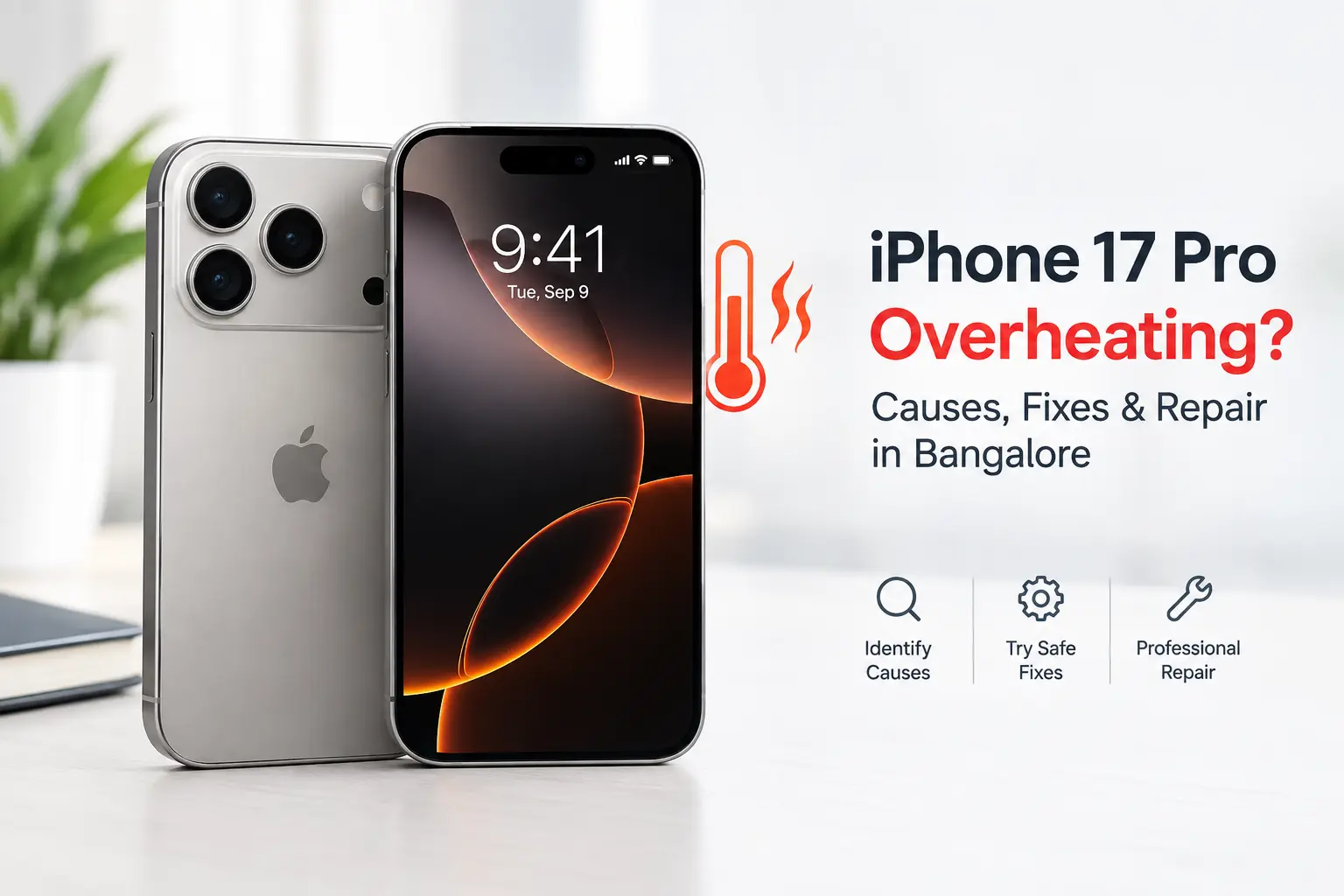
Is your iPhone 17 Pro overheating, getting unusually warm while charging, or losing battery quickly? Learn the common causes, safe fixes, warning signs, and when professional iPhone repair in Bangalore may be required.
Why Is My iPhone 17 Pro Overheating?
The iPhone 17 Pro can become warm during demanding activities such as gaming, 4K video recording, navigation, wireless charging, data transfer, system updates, or device setup. Apple designed the iPhone 17 Pro with the A19 Pro chip, aluminium unibody and vapour-chamber cooling system to improve sustained performance and heat management.
However, persistent or unusually intense heating—especially when the phone is idle, draining battery rapidly, restarting, showing a temperature warning, or becoming too hot to comfortably hold—should not be ignored.
For iPhone users in Bangalore, heat can become more noticeable when the phone is exposed to direct sunlight, a hot vehicle, prolonged outdoor navigation, intensive apps or charging in a warm environment.
iPhone 17 Pro Overheating: Common Causes
|
Cause |
What you may notice |
Recommended action |
|
Heavy gaming |
Phone becomes hot during gameplay |
Take breaks and close unnecessary apps |
|
4K/video recording |
Heat around the camera area |
Stop recording and allow the phone to cool |
|
Navigation/GPS |
Heating while driving |
Keep phone away from direct sunlight |
|
Wireless charging |
Phone becomes warm during charging |
Move charger to a cooler location |
|
Fast charging |
Increased temperature during charging |
Avoid using demanding apps while charging |
|
Background activity |
Heating and battery drain |
Check Battery settings |
|
Software update |
Temporary warmth after updating |
Allow background processes to finish |
|
Poor network signal |
Increased battery and processor activity |
Try Wi-Fi or a stronger signal |
|
Damaged battery |
Heat, rapid drain or unexpected shutdowns |
Get battery diagnostics |
|
Hardware fault |
Heating even during light use |
Professional inspection recommended |
Apple notes that an iPhone may normally become warmer during setup, restoration, software updates, wireless charging, graphics-intensive apps, camera use and high-quality video streaming.
1. Heavy Gaming and High-Performance Apps
The iPhone 17 Pro is built for demanding workloads. Its A19 Pro chip and vapour-chamber thermal system are designed to move heat away from the processor during sustained workloads.
Games with high-resolution graphics, high frame rates and extended sessions can still generate considerable heat.
What to do
- Stop the game temporarily.
- Lock the screen and allow the phone to cool.
- Avoid gaming while fast charging.
- Keep the device away from direct sunlight.
- Remove a thick case temporarily if it traps heat.
A warm phone during an intensive gaming session is not automatically a hardware problem.
2. iPhone 17 Pro Heating While Charging
Some warmth during charging is normal. Apple explains that an iPhone may become warmer while charging and can automatically reduce or pause charging when its temperature becomes too high.
You may see:
“Charging On Hold. Charging will resume when iPhone returns to normal temperature.”
This is a built-in protection mechanism rather than necessarily a fault.
If your iPhone 17 Pro gets hot while charging:
- Disconnect the charger temporarily.
- Remove a thick case.
- Move the phone away from sunlight.
- Place it in a cooler indoor environment.
- Stop gaming or recording video while charging.
- Allow the temperature to return to normal before continuing.
Do not put a hot iPhone in a refrigerator or freezer. Rapid temperature changes can cause additional problems.
3. Bangalore Heat Can Make the Problem More Noticeable
Bangalore's outdoor temperature, direct sunlight and hot vehicles can increase the thermal load on a smartphone.
For example, using an iPhone 17 Pro for:
- Google Maps navigation
- Mobile data
- GPS
- Camera recording
- High screen brightness
- 5G connectivity
while the phone is mounted in direct sunlight can cause considerably more heat than normal indoor use.
Apple recommends operating iPhones in an ambient temperature range of 0°C to 35°C. Exposure to excessive heat can affect device behaviour and, over time, shorten battery life.
Practical Bangalore tip: Avoid leaving your iPhone on a car dashboard, especially under direct sunlight.
4. Background Apps and High Battery Usage
Sometimes overheating is connected to unusually high background activity.
Go to:
Settings → Battery
Check which apps have consumed the most battery recently.
Look for applications showing unusually high usage when you were not actively using them.
Possible causes include:
- Social media apps
- Video applications
- Cloud synchronization
- Navigation
- Photo/video processing
- Large downloads
- Background updates
If one application consistently causes excessive battery consumption and heating, update the app or temporarily remove it to determine whether the behaviour changes.
5. Software Updates Can Temporarily Cause Heating
After an iOS update, an iPhone may temporarily perform additional background processing.
This can include:
- Photo indexing
- File organization
- Search indexing
- App updates
- System optimization
As a result, the device may feel warmer and battery consumption may temporarily increase.
If the heating continues for an extended period after the update or happens even when the phone is idle, further troubleshooting may be necessary.
6. Poor Network Signal Can Increase Heat and Battery Drain
A weak mobile signal can make the phone work harder to maintain connectivity.
You may notice this when travelling through areas with poor coverage or when using mobile data continuously.
If your iPhone becomes noticeably warmer during poor-signal conditions:
- Switch to Wi-Fi when available.
- Avoid unnecessary hotspot use.
- Turn off Personal Hotspot when finished.
- Avoid simultaneously running GPS, video streaming and downloads for long periods.
7. Faulty or Aging Battery
Battery condition is an important factor when diagnosing overheating.
A battery problem may be accompanied by:
- Rapid battery percentage drops
- Unexpected shutdowns
- Heating during light usage
- Charging problems
- Battery swelling
- Performance instability
- Phone restarting unexpectedly
If your iPhone 17 Pro is heating during basic activities such as WhatsApp, calls or browsing—or even while sitting idle—a professional battery and hardware diagnostic is recommended.
Never attempt to puncture, open or physically manipulate a swollen battery.
8. Charging Accessories Can Contribute to Excessive Heat
The charger, cable and charging environment can affect charging behaviour.
For troubleshooting, use a reliable USB-C cable and compatible USB-C power adapter and check whether the heating continues.
Also avoid charging the phone:
- Under a pillow
- Inside a closed bag
- In direct sunlight
- In a hot car
- While running demanding games
- With excessive heat trapped by a thick case
Apple's thermal protections can slow or pause charging when the iPhone becomes too hot.
9. How to Fix iPhone 17 Pro Overheating
Try these steps in order:
Step 1: Stop intensive activity
Close the game, camera recording or other demanding application and lock the screen.
Step 2: Remove the case temporarily
A thick case can reduce heat dissipation, particularly during charging.
Step 3: Move to a cooler environment
Keep the phone away from sunlight and hot surfaces.
Step 4: Stop charging temporarily
If heating occurs during charging, disconnect the charger and allow the phone to cool.
Step 5: Check Battery usage
Go to:
Settings → Battery
Identify applications consuming unusually high power.
Step 6: Update iOS and applications
Keep iOS and installed applications updated, particularly if the heating started after an application change.
Step 7: Restart the iPhone
A restart can help if a background process or application has become stuck.
Step 8: Monitor the pattern
Notice when the phone becomes hot:
- Only while charging?
- During gaming?
- During camera use?
- While using 5G?
- During navigation?
- While idle?
- After a repair?
This information can help a technician identify the underlying cause.
When Is iPhone 17 Pro Heating NOT Normal?
Occasional warmth does not necessarily mean the phone needs repair.
Professional diagnosis becomes more important if your iPhone 17 Pro:
- Gets very hot during basic usage
- Heats up while completely idle
- Becomes hot immediately after connecting the charger
- Shows a temperature warning repeatedly
- Stops charging frequently because of temperature
- Has severe battery drain
- Randomly restarts
- Shuts down unexpectedly
- Has a swollen battery
- Was recently dropped or exposed to liquid
- Continues overheating after software troubleshooting
Apple states that extreme temperatures can cause iPhone features to temporarily change or become unavailable, including charging and display behaviour.
iPhone 17 Pro Overheating After a Drop or Water Exposure
If overheating began after physical damage or liquid exposure, don't assume it is simply an iOS problem.
Potential hardware areas that may require inspection include:
- Battery
- Charging circuit
- USB-C charging port
- Power-management components
- Logic board
- Internal connectors
- Camera-related components
- Sensors
Liquid exposure can be particularly unpredictable. If the phone becomes unusually hot after water exposure, stop charging it and arrange professional inspection rather than repeatedly testing it.
iPhone 17 Pro Repair in Bangalore
If basic troubleshooting does not resolve persistent overheating, an experienced technician should diagnose the device before replacing parts.
At IDoCare, customers in Bangalore can get professional iPhone diagnostics and repair support for issues involving battery, charging, software, display, motherboard and other hardware-related problems.
IDoCare
IDoCare iPhone repair support includes:
- iPhone overheating diagnosis
- iPhone battery inspection
- Battery replacement
- Charging issue diagnosis
- USB-C port inspection
- Software troubleshooting
- Liquid-damage assessment
- Motherboard-level diagnosis
- Data-preserving repair assessment
- iPhone hardware diagnostics
For customers searching for iPhone repair in Bangalore, the right approach is to identify the cause of the overheating rather than immediately replacing the battery or another component.
Why Professional Diagnosis Matters
Overheating is a symptom, not a diagnosis.
Replacing the battery may not solve the problem if the actual cause is:
software → charging system → battery → connector → sensor → motherboard → power-management circuit.
A proper diagnostic process can help identify where the heat is originating and whether the issue can be resolved through software troubleshooting, a battery-related repair, charging-system repair or board-level diagnosis.
This is particularly important when the device contains important photos, WhatsApp conversations, business information or other personal data.
iPhone 17 Pro Overheating: Frequently Asked Questions
Why is my iPhone 17 Pro getting hot?
The iPhone 17 Pro can become warm during gaming, camera use, video recording, navigation, wireless charging, software updates and other processor-intensive activities. Persistent heating during light or idle use may require diagnosis.
Is it normal for an iPhone 17 Pro to heat while charging?
Some warmth during charging is normal. If the temperature becomes excessive, iOS can slow or temporarily stop charging until the device cools.
Why does my iPhone 17 Pro heat while gaming?
High-performance games place sustained demands on the A19 Pro processor and graphics system. The iPhone 17 Pro uses a vapour chamber to manage heat, but demanding workloads can still make the device warm.
Why does my iPhone 17 Pro get hot in the car?
Direct sunlight and heat inside a vehicle can significantly increase the phone's temperature. Avoid using or charging the iPhone in a hot vehicle whenever possible.
Should I put my hot iPhone in the refrigerator?
No. Allow the device to cool naturally in a cooler environment. Avoid extreme or rapid temperature changes.
Why is my iPhone 17 Pro overheating when I'm not using it?
Possible causes include background processing, poor network conditions, an application consuming excessive resources, charging-related problems or a hardware issue. Check Battery usage first; persistent idle heating warrants professional diagnosis.
Can a faulty battery cause iPhone 17 Pro overheating?
Yes. A battery problem can be associated with abnormal heating, rapid battery drain, charging problems or unexpected shutdowns. A technician should test the battery before recommending replacement.
Where can I repair an overheating iPhone 17 Pro in Bangalore?
For persistent overheating, you can seek professional iPhone diagnostics and repair in Bangalore. IDoCare in Malleshwaram provides iPhone repair and hardware diagnostic services.
Final Takeaway
iPhone 17 Pro overheating does not always mean the phone is defective. Moderate warmth during demanding activities such as gaming, camera use, navigation, updates or charging can be normal. The device includes an Apple-designed vapour chamber and software-based thermal protections to manage temperature.
The concern is persistent or excessive heat, especially when combined with rapid battery drain, charging interruptions, unexpected shutdowns, restarting, liquid exposure or heating during idle use.
If your iPhone 17 Pro continues to overheat after basic troubleshooting, professional diagnosis can help determine whether the cause is software, battery, charging hardware or a deeper hardware issue.