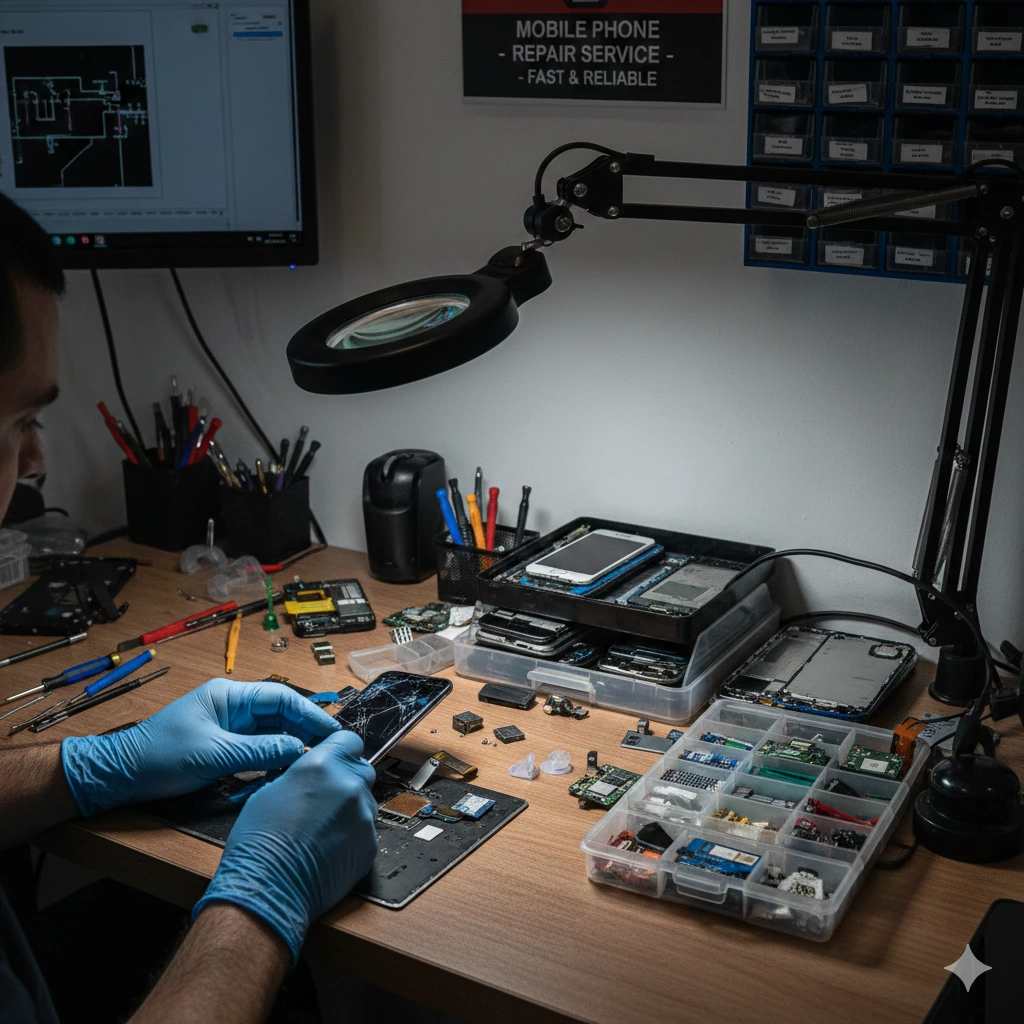

How to Find a Samsung Phone Repair Near Me
1. Cracked Screen
A cracked screen is one of the most common problems with modern smartphones. Even small cracks can compromise your device's functionality, and they are often exacerbated by repeated pressure, temperature changes, and other environmental factors. Over time, a single crack can grow into a spider web of fractures that weaken the screen and expose internal components to moisture and dust.
Whether your device is still under warranty or you have purchased a protection plan, Samsung has a network of expert technicians that can repair or replace the screen on any Galaxy phone. Samsung also provides model-based pricing on its website, making it easy to find out how much you can expect to spend for a Samsung smartphone screen repair or replacement.
However, it is never a good idea to try to fix your Samsung phone yourself. Attempting DIY repairs is risky because modern devices require significant technical expertise to open and repair. Mistakes can damage the device further or cause the replacement screen to malfunction. Additionally, opening your phone can void any warranties or protection plans you have.
2. Dead Battery
If your device won’t turn on even when it is charged, or if you notice sluggish performance, it may be time to replace the battery. Samsung Galaxy phones and tablets are designed with high-quality batteries that are long lasting and safe, but they’re still consumables that can eventually wear out over time.
If you notice that your battery doesn’t last as long as it used to, or if it drains quickly after charging—especially if the device gets uncomfortably warm while charging—it may be time for a replacement. Samsung’s Tech Coach experts can help you find the best battery for your Galaxy phone, so you can enjoy uninterrupted use for as long as possible.
Get a battery health inspection or a full hardware and software checkup to optimize your experience. Our technicians can also transfer data and provide guidance on battery care, screen time management, and more. Find your local store or service center to make an appointment today.
3. Water Damage
Whether it’s rain, swimming pool water, or even your own body, your Samsung phone may be suffering from water damage. Aside from the obvious physical issues you may see (water spots and a discolored screen), water can also lead to more severe internal damage and corrosion. It can short out components, ruin the battery, and cause other problems with your device. If you think your Samsung smartphone has water damage, don’t turn it on or charge it until you get it checked out by a professional.
If you’re lucky, your smartphone will still work after some time in liquid. If it does, you can follow some simple steps to restore its functionality. First, remove the case, battery, and USIM/SD card if it’s removable. Next, rinse it off with clean water and wipe it dry. Use a towel to wipe the charging ports and the power button, as this is where most water can hide. If your device has a LDI strip in the SIM or MicroSD slot, shine a flashlight into it to see if the LDI is solid pink, purple, or red—this indicates that your device has sustained water damage and needs repair.
You can find a repair shop that offers services for Samsung devices by visiting the manufacturer’s website and using its service center map. Samsung works with more than 1,100 “independent service providers,” which are listed on the company’s website and can be searched using this map. These shops do not have to provide genuine Samsung parts, but they do need to adhere to certain standards.
You can also visit a Best Buy Geek Squad store, although the retailer will no longer repair hardware issues like depleted batteries or cracked screens. However, customer support representatives tell us that if you have an extended warranty from Geek Squad or Asurion, the retailer will still replace your Galaxy phone if it has hardware issues.
4. Charging Issues
Samsung phones are built to withstand spills and splashes, but if your device has been exposed to water, it may stop charging. It's normal for batteries and charge ports to degrade over time, especially if you use your phone daily. Samsung's One UI skin will automatically block charging as a safety measure when it detects moisture, so you may want to set it aside for some time before plugging in again.
If the battery doesn't seem to be accepting power, check for a faulty charger or cable. It's also possible that dust, lint, or sand has found its way into the USB-C ports' tiny crevices. This can prevent the pins from making contact with cables or conducting electricity, but it's usually a quick fix.
If all else fails, try restarting your device. If you're still having issues, download the Samsung Members app and click support at the bottom right. You can run a battery and port diagnostic that will help you pinpoint the problem. If you have a warranty, a Samsung-authorized service center can replace your battery or charge port for about $100. That's a lot less than the cost of a new phone.
5. Microphone Issues
Occasionally, your microphone may stop working. This is most likely caused by software glitches, which can disrupt how well your phone recognises your voice for calls or Bixby and Google Assistant commands. You can try resetting the phone to fix this problem.
Another solution is to make sure the microphone hole is not blocked by lint, dirt or other debris. You can gently clean it using a soft brush or compressed air. If you can’t resolve the issue, then you can visit a Samsung-Certified Pro to fix it for you.
It’s also a good idea to keep your Samsung smartphone up to date with the latest available updates, as these can help address bugs that affect how well the microphone works. If the microphone still doesn’t work after restarting, reinstalling apps and verifying app permissions, you may need to factory reset your device. However, you should first boot the phone into safe mode to see if the problem is caused by a third-party app. If it does, then you can uninstall apps one by one until the microphone functions again.