
Google Pixel Battery Draining Fast? Here’s What You Should Know
A Google Pixel that used to last through most of the day but now needs frequent charging can be frustrating. Fast battery drain does not always mean that the battery needs immediate replacement. Background apps, high screen usage, poor network conditions, software updates, charging habits and normal battery ageing can all affect runtime.
Google recommends checking Battery usage, Adaptive Battery and battery diagnostics before assuming that the battery itself has failed. On Pixel 6 and later devices, Google provides Battery Diagnostics to help identify battery-drain problems.
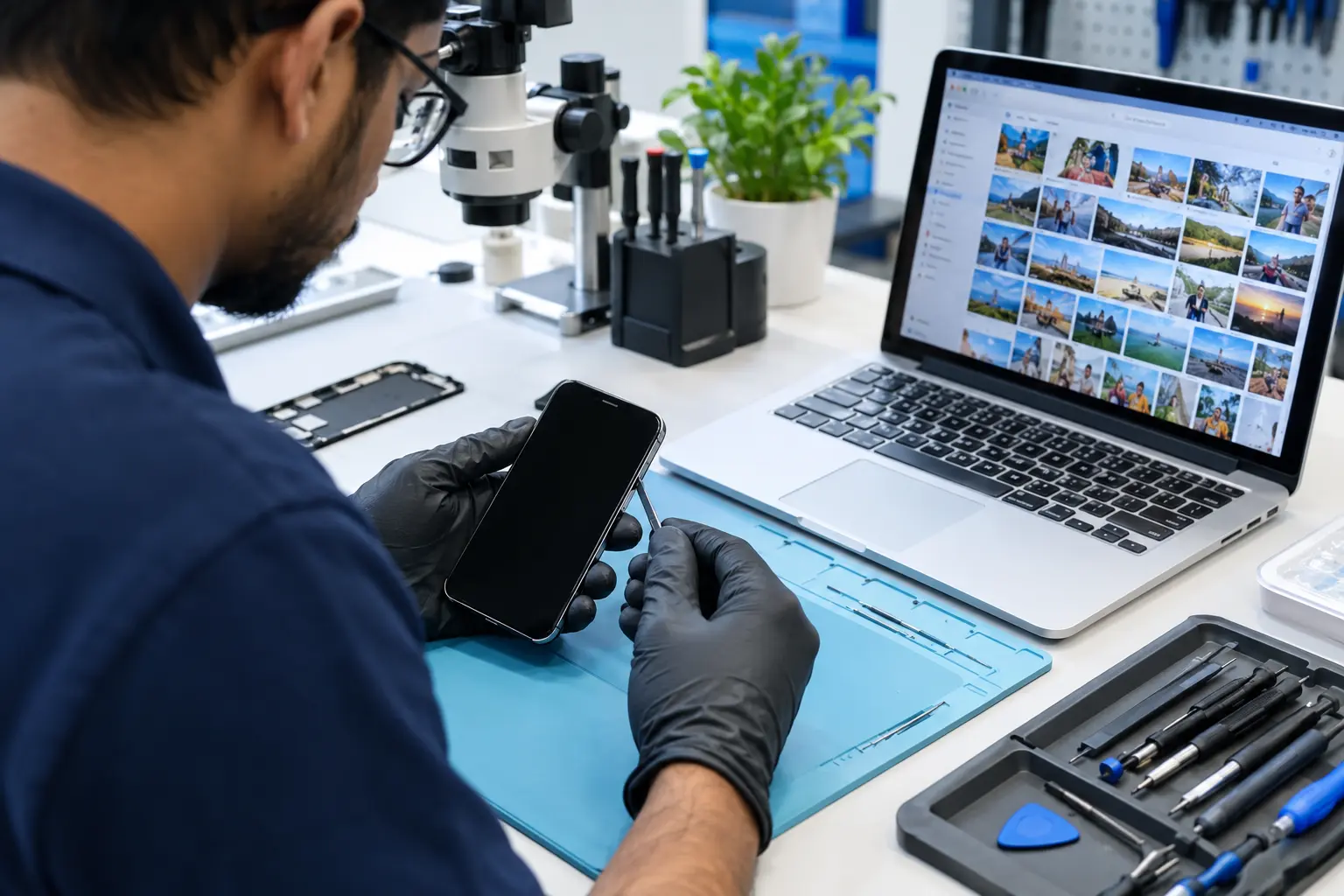
If your Pixel continues to lose charge unusually quickly after basic troubleshooting, a professional battery inspection can help determine whether the problem is related to the battery, charging system, software or another hardware component.

Common Reasons Your Google Pixel Battery Drains Quickly
1. Battery ageing
Lithium-ion batteries naturally lose capacity over time. As the battery ages, the phone may provide less runtime between charges.
Google currently identifies battery replacement as appropriate when battery capacity has significantly declined or the battery reaches its rated charge-cycle count. For example, Google lists 80% remaining capacity or 800 cycles for Pixel 3 through Pixel 8 Pro and Pixel Fold, while Pixel 8a and later are listed at 80% or 1,000 cycles. Model-specific battery information should be checked before making a replacement decision.
2. Apps running heavily in the background
An application using excessive background power can cause noticeable battery drain.
Go to:
Settings → Battery → Battery usage
Review which apps are consuming the most power and restrict background usage where appropriate. Google specifically recommends checking battery usage by app when troubleshooting battery drain.
3. Recent Android or software update
It is possible to notice temporarily higher battery consumption after a software update. Google explains that the Pixel may use additional power while downloading, installing and optimizing new software.
If the unusual drain continues for several days, further troubleshooting is appropriate.
4. High screen and network usage
Bright displays, high refresh-rate features, video streaming, gaming, GPS and prolonged mobile-data use can increase battery consumption.
Poor cellular reception can also contribute because the phone may use additional power maintaining network connectivity.
5. Battery or charging hardware problem
If the phone becomes unusually warm, shuts down unexpectedly, loses charge rapidly even while idle, or has charging-related problems, the issue may require hardware inspection rather than another software adjustment.
How to Check Google Pixel Battery Drain
Before replacing the battery, try these basic checks.
Step 1: Check Battery Usage
Open:
Settings → Battery → Battery usage
Look for applications or system components consuming an unusually large amount of power.
Step 2: Check Battery Diagnostics
On Pixel 6 and later, Google provides:
Settings → Battery → Battery Diagnostics → Battery draining too quickly
This can provide useful information when investigating unusual battery behaviour.
Step 3: Install available updates
Check for Android and app updates. Keeping the phone updated can help resolve software-related problems.
Step 4: Test overnight
Google recommends an overnight battery test: charge the phone to 100%, disconnect it from power and leave it idle overnight. Google considers a drain of more than 10% overnight worth investigating further.
Step 5: Check the physical condition
Look for unusual heating, physical damage or a swollen battery.
If the phone appears swollen or the battery is physically damaged, stop using or charging it and seek professional assistance.
When does a Google Pixel Need Battery Replacement?
Battery replacement may be worth considering when:
- Battery runtime has significantly decreased
- The Pixel requires charging several times a day
- Battery percentage drops unusually quickly
- The phone shuts down unexpectedly
- Battery health/capacity has significantly declined
- The device becomes unusually warm during ordinary use
- Software and app troubleshooting do not resolve the drain
A proper diagnosis should come before replacement because fast battery drain can also be caused by software, applications, charging components or other hardware problems.
Google Pixel Battery Replacement in Bangalore
If your Pixel battery is genuinely worn out, professional battery replacement can restore practical everyday runtime.
At IDoCare – Phone and Laptop Service Centre in Malleshwaram, Bangalore, Pixel devices can be inspected for battery and related charging issues. Depending on the model and diagnosis, service may include:
- Google Pixel battery diagnosis
- Battery replacement
- Charging-port inspection
- Charging-related troubleshooting
- Battery-drain diagnosis
- Software and performance checks
- Hardware inspection
The exact replacement requirement depends on the Pixel model, battery condition and diagnostic findings.
Google Pixel Models We Can Diagnose
Battery-related service can be relevant across different Pixel generations, including:
Pixel 11 series, Pixel 10 series, Pixel 9 series, Pixel 8 series, Pixel 7 series, Pixel 6 series, Pixel 5, Pixel 4/4a and compatible Pixel devices.
Service availability and replacement-part compatibility should be confirmed for the specific model before repair.
Pixel Battery Problem or Software Problem?
|
Symptom |
Possible cause |
Recommended first step |
|
Battery drops quickly |
Ageing battery/app usage |
Check Battery usage |
|
Drain after update |
Software optimization |
Allow time and check updates |
|
Overnight drain |
Background activity/battery issue |
Perform overnight test |
|
Phone heats during gaming |
High processor/GPU usage |
Check usage and temperature |
|
Unexpected shutdown |
Battery/hardware/software |
Professional diagnosis |
|
Slow charging |
Charger/port/battery |
Inspect charging system |
|
Battery swelling |
Battery failure/damage |
Stop using and seek service |
These symptoms are not definitive diagnoses. A technician should inspect persistent or unusual problems.
How to Make Your Google Pixel Battery Last Longer
A few practical habits can help reduce unnecessary battery consumption:
- Keep Android and apps updated.
- Review apps with high background battery usage.
- Keep Adaptive Battery enabled where appropriate.
- Avoid exposing the phone to excessive heat.
- Use suitable charging accessories.
- Reduce unnecessary high-power background activity.
- Check battery usage when you notice a sudden change in runtime.
Google also recommends Adaptive Charging and keeping the Pixel in a dry environment at room temperature.
Frequently Asked Questions
Why is my Google Pixel battery draining so fast?
Common causes include battery ageing, high app or screen usage, background activity, poor network conditions and temporary increased consumption following software updates. Persistent drain may require battery or hardware diagnosis.
How do I check what is draining my Pixel battery?
Go to Settings → Battery → Battery usage and review the apps and system components using the most power.
Can a software update cause temporary battery drain?
Yes. Google says increased battery consumption can occur temporarily after an update while the Pixel downloads and optimizes the new software.
When should I replace my Pixel battery?
Consider professional assessment when battery runtime has significantly declined, the device shuts down unexpectedly, or battery health/capacity has deteriorated. Google provides model-specific battery-health guidance.
Does every fast-draining Pixel need a new battery?
No. Fast drain can have software, app, network or hardware-related causes. Diagnosis should come before battery replacement.
Where can I get Google Pixel battery service in Bangalore?
IDoCare provides Google Pixel battery diagnosis and repair services from 7th Cross, Malleshwaram, Bangalore. For service availability and model compatibility, contact the service centre before visiting.
Google Pixel Battery Replacement in Malleshwaram, Bangalore
If your Google Pixel battery is draining fast, don't replace the battery based on symptoms alone. Start with battery usage and diagnostics. If the problem persists, a professional inspection can help identify whether the battery or another component is responsible.